BRANDING
Worship Media Systems
Tools: Adobe Illustrator, Adobe Photoshop, Figma, ProPresenter
Challenge
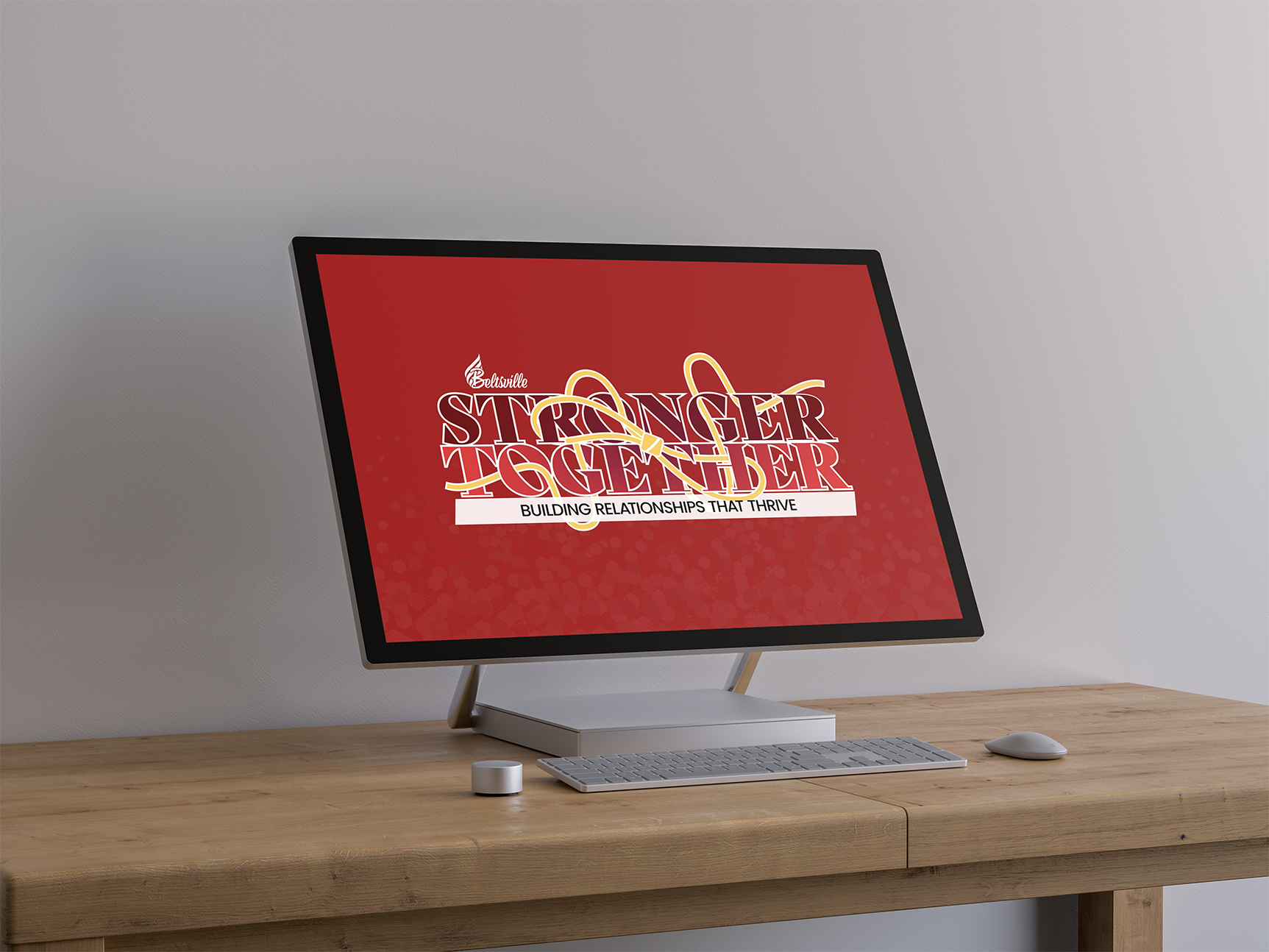
Beltsville Adventist Church needed a cohesive visual system to support monthly sermon themes across in-person services and livestreams, while ensuring reliable delivery in a live, multi-operator environment.
Role
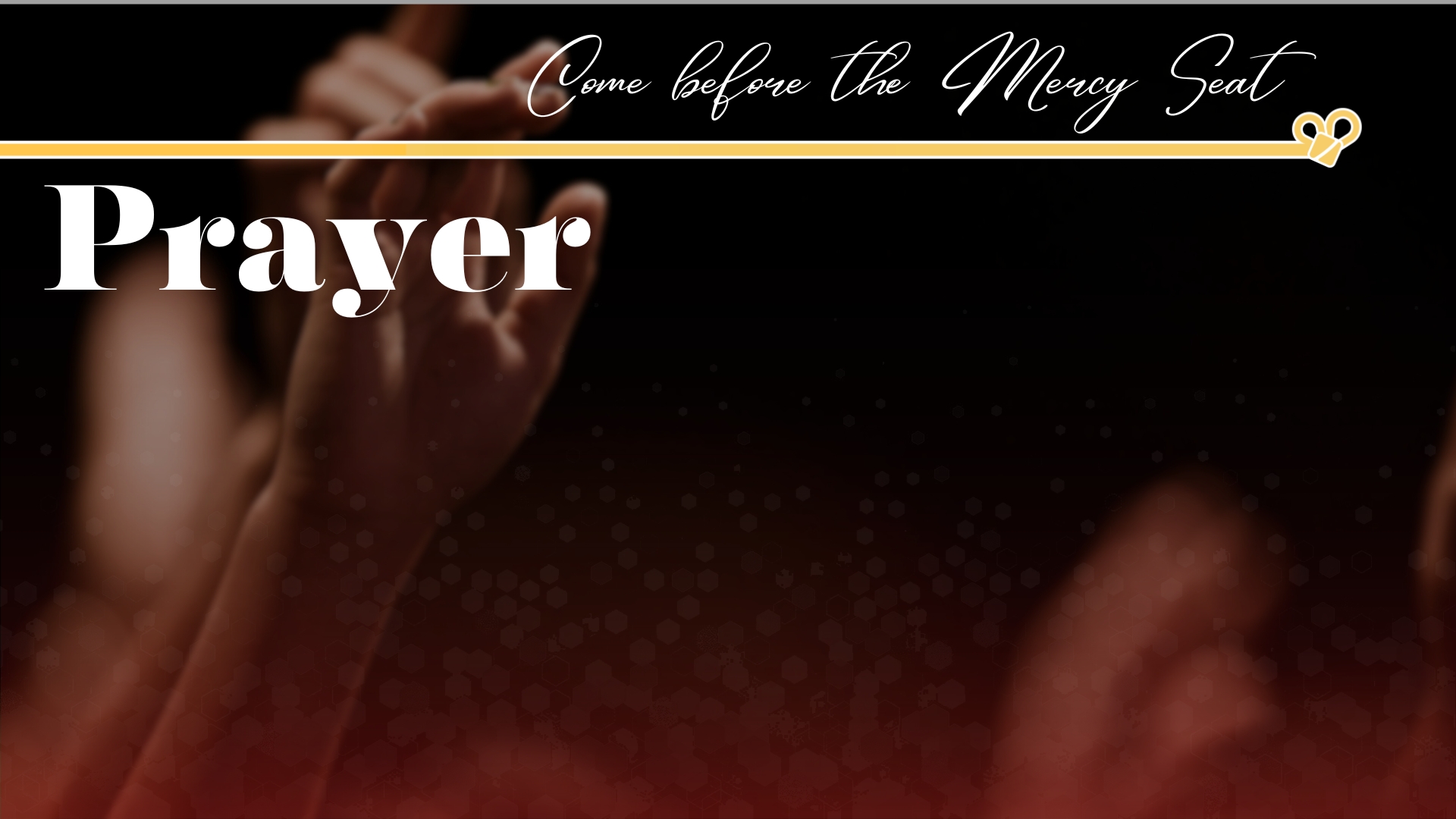
Visual & Presentation Designer, responsible for sermon slide design, theme logo creation, livestream lower thirds system, and live implementation in ProPresenter.

Impact
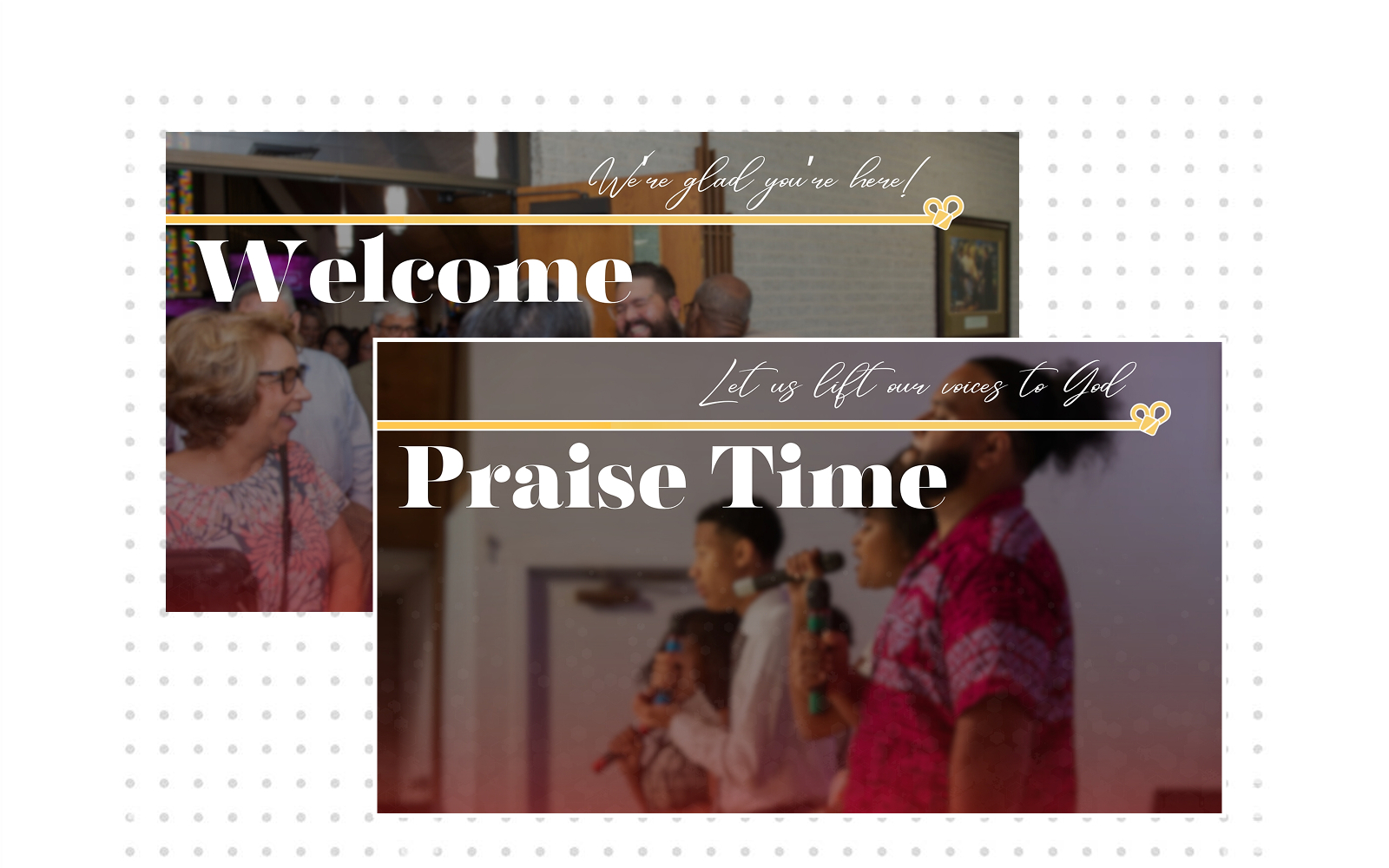
01 Consistent Worship Experience Across Channels
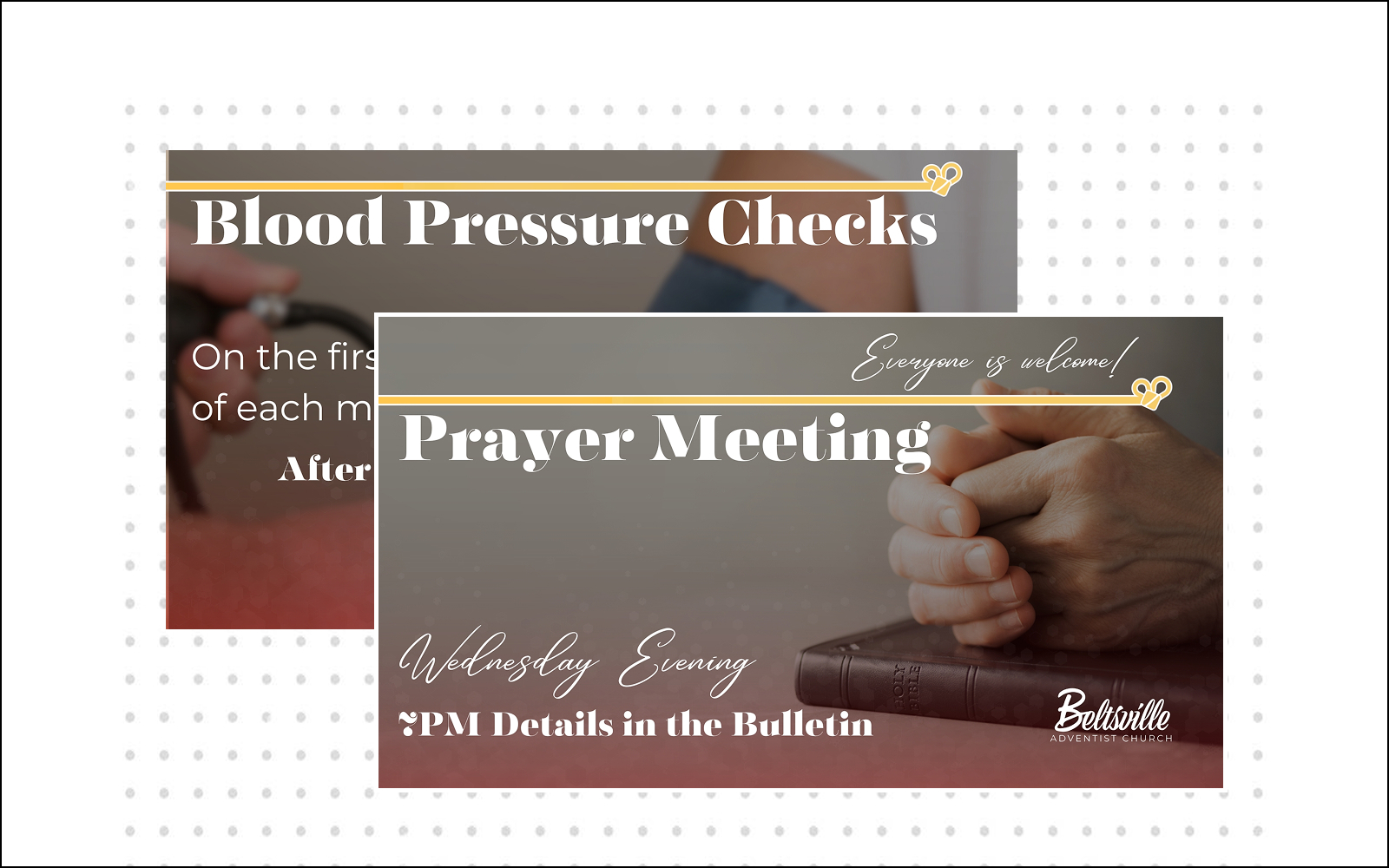
Designed sermon slides and a theme logo that aligned visual storytelling with the flow of the service. This created a more engaging and cohesive experience for congregants both in the room and online.
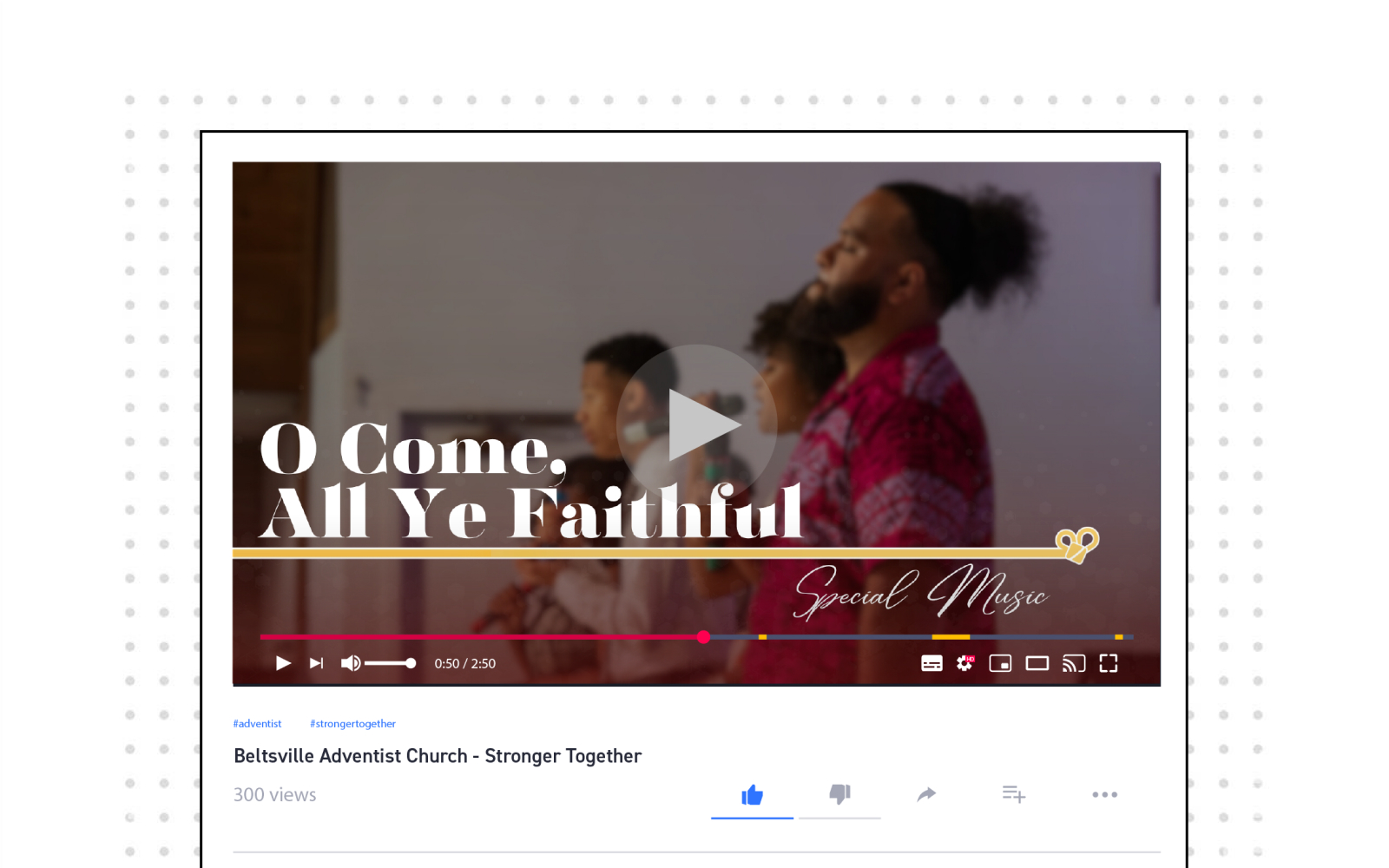
02 Livestream Accessibility & Inclusion
Created a reusable lower thirds design system that allowed livestream viewers to easily follow sermon points, speaker names, and scripture references. This helped remote viewers feel intentionally included rather than secondary to in-person attendees.
03 Operational Reliability in Live Services
Implemented the visual system in ProPresenter with attention to safe margins, formatting, and real-world projection constraints. This reduced the likelihood of live errors and ensured visuals behaved as intended during services.

04 Scalable, Multi-User System Design
Designed an internal ProPresenter organization system with clear folder structures, naming conventions, and asset grouping. This supported rotating operators, faster setup, and consistent execution across multiple services.
Lessons Learns & Next Steps
Purpose of this Section
This project reinforced the importance of treating live presentation software as part of the design system, not just a delivery tool.
ProPresenter Implementation & System Design
While the sermon visuals were designed in Figma, their success depended on how they performed in a live environment. I was responsible for implementing the February sermon slides into ProPresenter and ensuring they displayed correctly during services.
This included verifying formatting, maintaining safe margins for multiple screen sizes, and confirming that text, imagery, and animations behaved as intended once projected. Rather than treating ProPresenter as a final export step, I treated it as part of the design system — where real-world constraints could either reinforce or undermine design intent.
Internal Organization & Workflow
To support consistency across services and reduce friction for the team, I designed and implemented an internal organization system within ProPresenter. This system included clear folder structures, naming conventions, and asset grouping that allowed slides to be updated, reused, and run reliably even when operators rotated.
The goal was to minimize errors during live services and make the system intuitive for anyone stepping in. This work functioned as information architecture for a live, multi-user environment, ensuring the visuals could scale across weeks without becoming brittle or confusing.
Why this Matters
Designing sermon slides is only effective if the visuals hold up under real delivery conditions. By owning both the visual design and the ProPresenter implementation, I ensured that the “Stronger Together” series maintained clarity, consistency, and professionalism throughout the month — both in-room and on screen.
This system-level approach allowed the church to focus on ministry and message delivery, rather than troubleshooting presentation issues during live services.
Final Solutions